1
Route every item
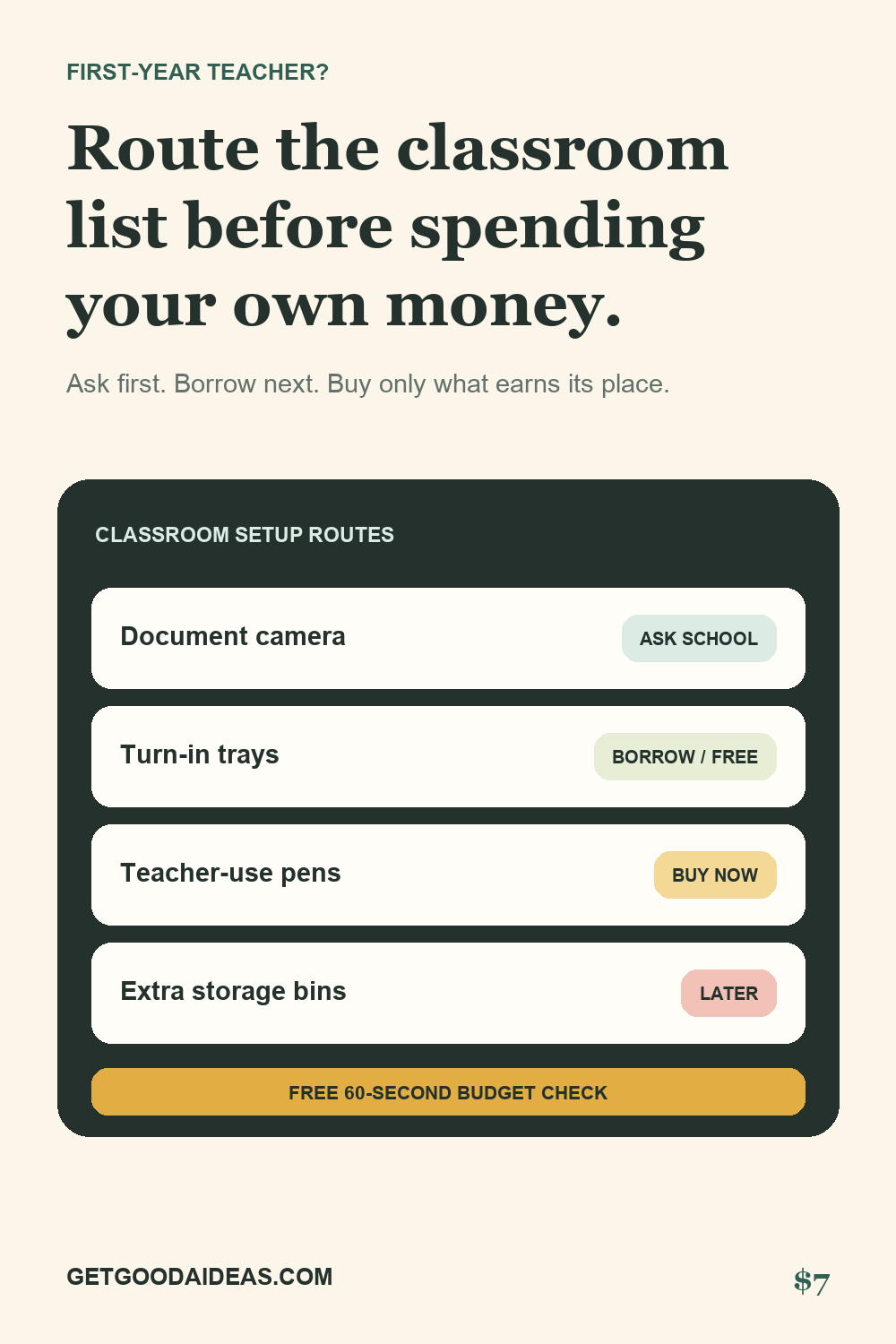
Classify supplies as ask school, borrow or source free, buy now, or later before a shopping tab opens.
For first-year teachers setting up a classroom
Turn the giant classroom wish list into four honest lanes: ask the school, borrow or source free, buy now, and wait until the room and students show you what is actually needed.
One-time purchase. Secure Stripe checkout. Instant private offline app download.
Setup snapshot
Free 60-second triage
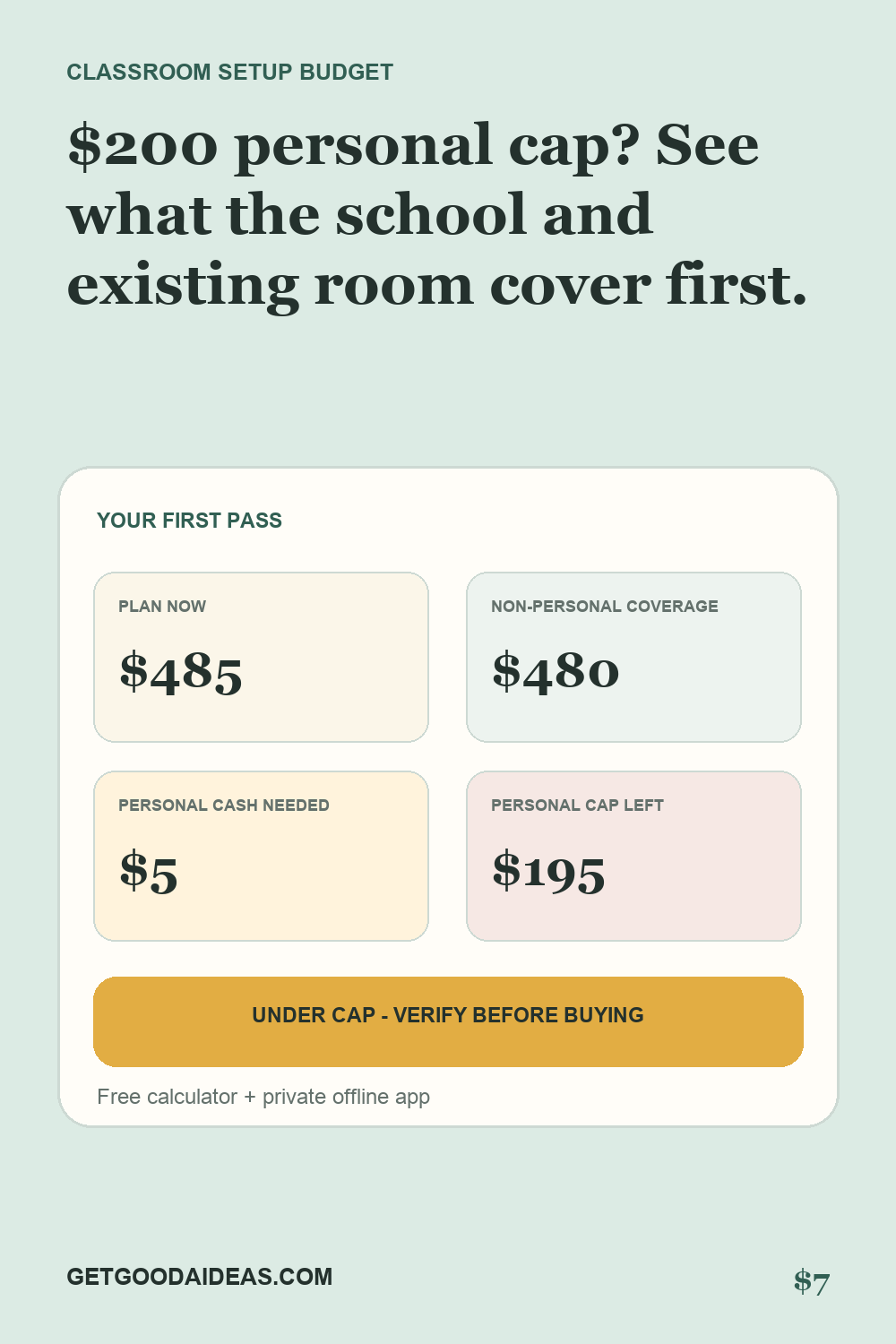
Start with what the school funds or already owns. Estimate what can be borrowed or sourced free. The remaining gap is the part that deserves the hardest scrutiny.
Estimate only. Do not buy classroom essentials until you know what the school, department, families, PTA, prior teacher, and shared storage already provide.
The $7 private offline app adds item-by-item routes, two-vendor price checks, inventory, setup tasks, local saving, CSV export, and printing.
Get the offline app — $7A calmer order of operations
Classify supplies as ask school, borrow or source free, buy now, or later before a shopping tab opens.
Record two vendor prices and unit quantities so a familiar marketplace is not mistaken for the cheapest option.
Track what the classroom owns, where it lives, what was actually used, and what should not be repurchased.
Inside the download
See the decision system
These two views show the product's core order of operations before any classroom purchase is made.
Download the private offline command center, open it in any modern browser, and keep the classroom list on your own device.
Questions
No. It deliberately avoids universal must-have claims. Grade, subject, room, school policy, shared inventory, and student needs change the answer.
The paid app is one HTML file that runs locally. Entries are saved in that browser's local storage on that device. It has no login, analytics, external fonts, or cloud sync.
No. The app is for classroom supplies, storage, budgets, and setup tasks. Do not enter student names, contacts, health information, accommodation details, passwords, payment data, or other sensitive information.
Yes. One buyer may reuse and copy it for their own classroom. It may not be resold, redistributed, uploaded as a template, or shared publicly.
No. It is an organizational tool. Follow school purchasing rules and use official guidance for reimbursements, deductions, student privacy, safety, and instruction.